The Field Service Management App That Runs Your Business From Your Phone
Not long ago, running a service business from your phone was a fantasy. The back office—the whiteboard, the filing cabinet, the desktop computer running legacy dispatch software—was the anchor that kept the business tethered to a physical location. Owner-operators could not leave for vacation without handing over the reins to someone in the office, hoping nothing would go sideways.
That era is definitively over. The modern field service management app has broken the tether entirely. Today, a savvy business owner can approve quotes, monitor live technician locations, review completed work orders, and check daily revenue from a beach in Thailand—all from a 6-inch screen.
But not all "apps" are created equal. Many platforms slap a basic mobile interface on top of their desktop software as an afterthought. The result is a cramped, frustrating experience that technicians immediately abandon. This article explores what separates a genuinely great field service management app from a mediocre one—and why your choice here will determine how effectively your mobile workforce performs.
Two Distinct App Experiences: Office vs. Field
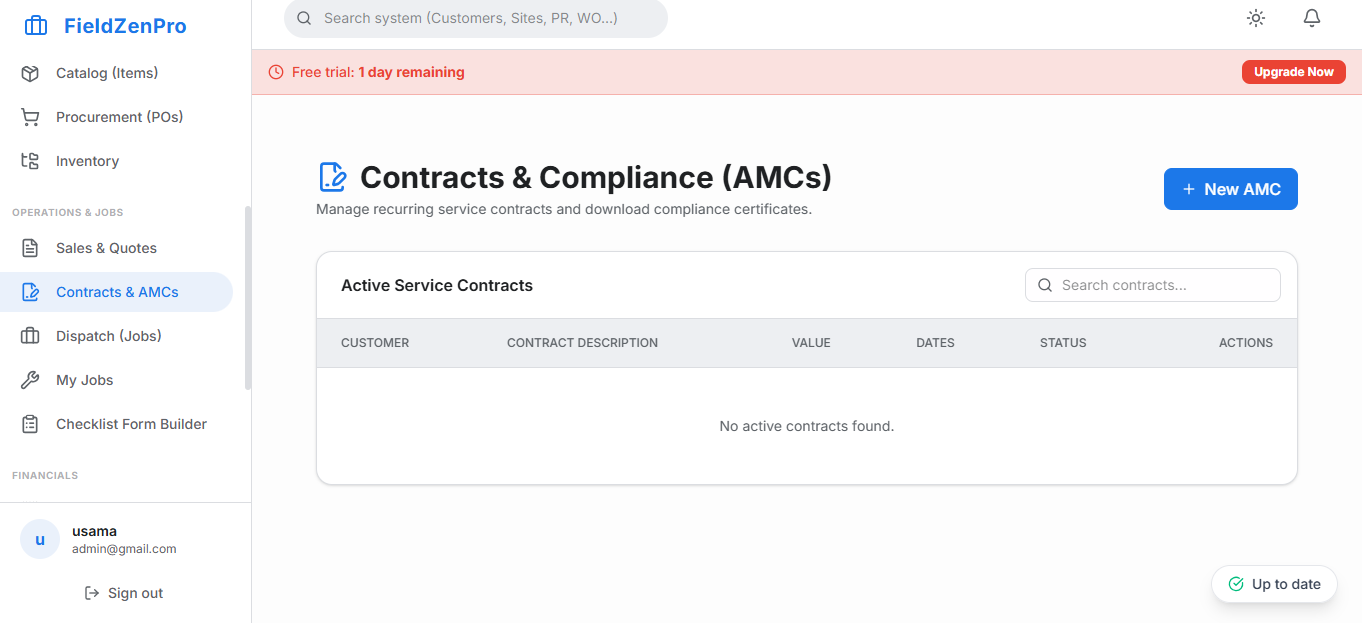
A truly great FSM platform recognizes that a dispatcher in the office and a technician crawling through an attic have radically different needs, and provides distinct, optimized experiences for each.
The Manager/Dispatcher Experience
For managers and dispatchers who may work from a tablet or laptop in the field, the app experience should mirror the full desktop dashboard as closely as possible. This means access to the full dispatch board with live GPS map view, the ability to create and assign jobs, view financial summaries, and approve technician quotes. The interface should be responsive and fast, loading any screen within one second.
The Field Technician Experience
For the technician, the app must be radically simplified. When a plumber has their hands covered in pipe compound and needs to quickly reference a customer's note or add a part to an invoice, they need enormous tap targets, simple navigation, and zero cognitive load. The app should present exactly the information needed for the current job, in the correct sequence, without burying it under layers of menus.
"The best field service app is the one your oldest, least tech-savvy technician can use independently on day one. If it requires a training manual, it will fail."
The Six Features That Define a Great FSM App
1. Offline-First Architecture
We cannot say this enough: offline capability is the single most critical technical requirement of any field service app. Service work happens in steel-framed buildings, subterranean utility corridors, and rural properties where cellular data is nonexistent. The app must store all job data, customer history, and price book information locally on the device. All actions taken offline—photos captured, parts added, signatures collected—must sync automatically and silently the moment connectivity is restored.
2. Integrated Navigation
When a technician accepts a job, the next logical action is to get directions. A great app does not make them switch to Google Maps manually. It has a single "Navigate" button that launches turn-by-turn navigation directly to the customer's address in their preferred maps application. Saving this 30 seconds per job, across a fleet of 10 technicians doing 5 jobs per day, saves 25 minutes of operational friction every single day.
3. In-App Photo Documentation
The ability to photograph a job site, annotate the photo, and attach it directly to the work order is a game-changer for both quality control and dispute resolution. Great apps make this frictionless: one tap to open the camera, one tap to attach. Photos should be stored in the cloud and accessible to the office in real time—not just uploaded when the job is closed.
4. Digital Quoting with E-Signature
The app must allow a technician to build a complete, professional quote and collect a legally binding customer signature on the spot. This capability directly closes the gap between diagnosis and approval, eliminating the "let me think about it and get back to you" customer response that costs your business thousands in lost jobs each year.
5. Integrated Payment Processing
The app must support credit card capture at the point of service, whether via a Bluetooth card reader or tap-to-pay. Payment data should auto-reconcile with your accounting software, eliminating manual entry.
6. Real-Time Job Status Updates
Status updates—"En Route," "Arrived," "Working," "Complete"—should be one-tap actions. These status changes instantly update the dispatcher's board and trigger automated customer communications, keeping the entire organization synchronized without a single phone call.
The FieldZenPro App: Engineered for the Field
FieldZenPro was designed mobile-first—every design decision started with "how will this look and feel for a technician with dirty hands on a cold morning?" The result is the cleanest, fastest field service management app in the market. Available on both iOS and Android, it is fully offline-capable and ships with all six features described above as standard—no add-on purchases required.
Related Articles & Resources
Run Your Business From Anywhere
Discover the FSM app your technicians will actually love using. Try FieldZenPro free for 14 days.
Start Your 14-Day Free Trial